Touch Solutions
Capacitive and resistive touch solutions for every industry — from design to delivery.

Capacitive vs Resistive Touch
Capacitive Touch
Resistive Touch
Capacitive Touch
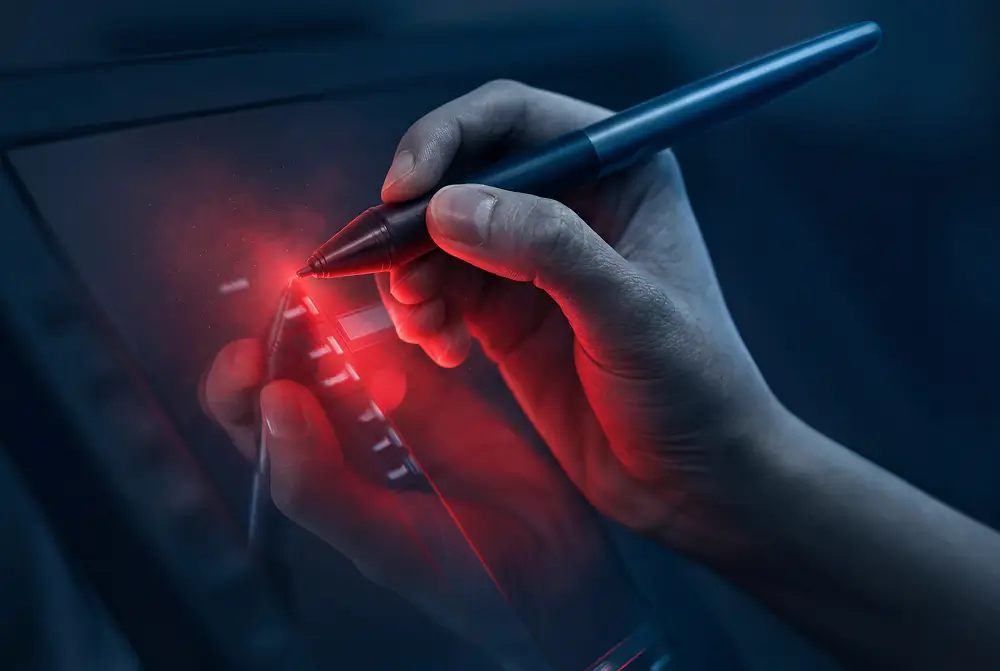
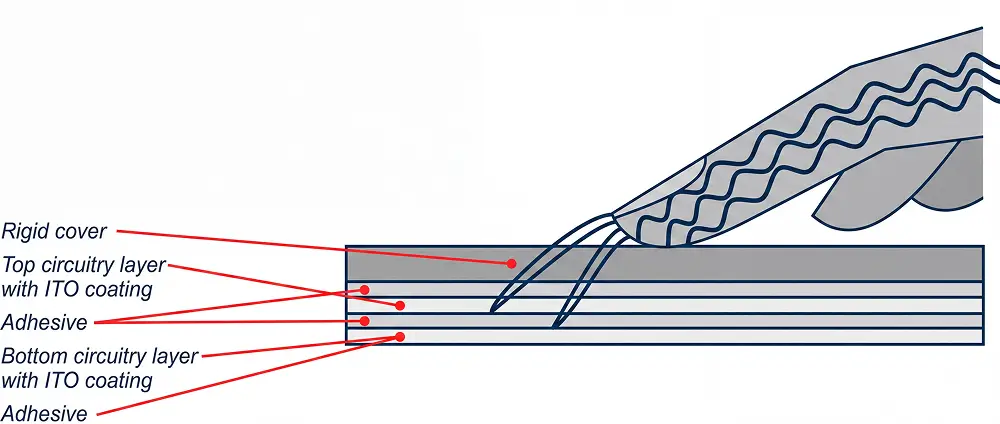
Projected Capacitive Touch (PCAP) uses the conductive properties of the human body. Users interact through tapping, swiping or zooming — no pressure required. Ideal for multi-touch, thick glass, glove operation and wet environments.
- Multi-touch support
- Operation with gloves
- Works through thick glass
- Water- and ESD-resistant

Resistive Touch
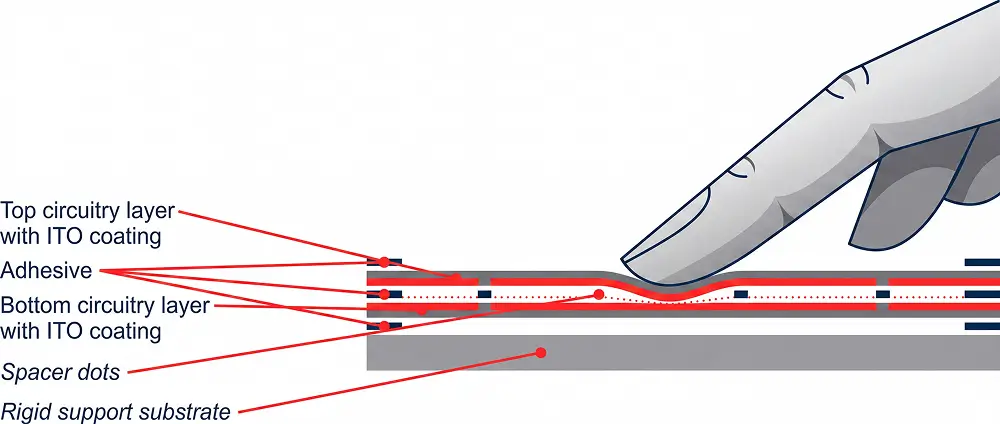
Resistive touchscreens consist of two layers that make physical contact when touched. This registers an electrical signal — regardless of the object used (finger, stylus, palm). Requires physical pressure.
- Usable with any object
- Cost-efficient solution
- Robust and proven
- No conductive medium required
How does capacitive vs resistive work?
Projected Capacitive Touch
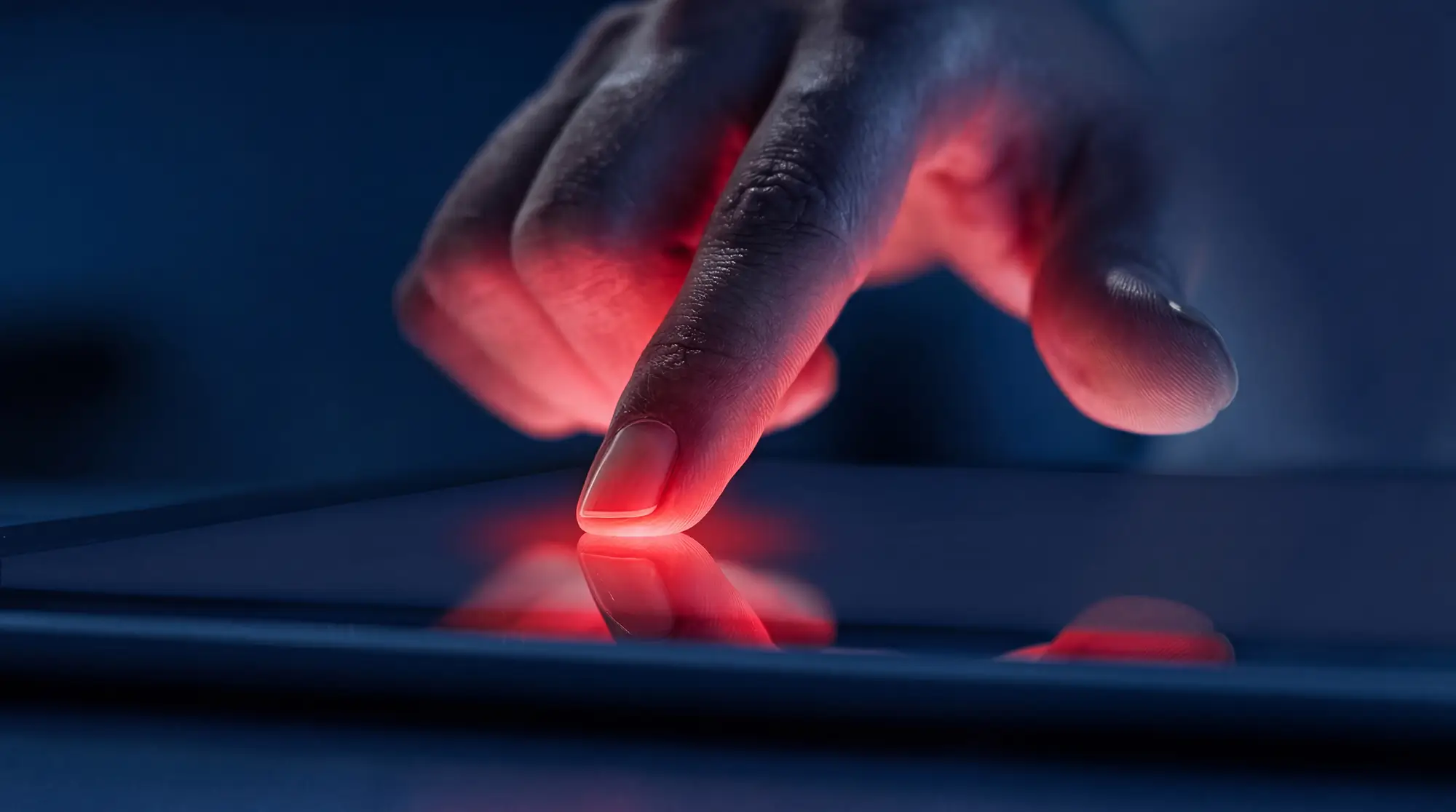
Uses the natural conductivity of the human body. No pressure required. The electric field is already disturbed upon touch or even proximity (hovering).
No air gap between the layers ensures sharper image quality and a higher contrast ratio. Keeps working even with cracked glass.
Resistive touchscreen
Upon touch, the two layers make physical contact. The system measures the voltage in the X and Y directions separately and thus calculates the exact touch position.
Works with any object: your finger, stylus or palm. The required physical pressure also reduces the risk of unintended activation.
When do you choose which technology?
Which industry chooses what?
Smartphones, tablets & home appliances
Higher sensitivity, multi-touch and better image quality make capacitive touch the standard for consumer devices and modern HMI panels.
Medical environments, ATMs & industry
Lower production cost, resistance to dirt and water, and operation with any object make resistive touch popular in professional and medical applications.
Not sure which technology suits your project? We are happy to advise you.
Custom design, tailored to your vision
Design Freedom
From sleek modern consumer design to robust industrial enclosures — our team turns your vision into reality. A wide range of shapes, materials and finishes.

Hardware Tuning
As a Preferred Design House (PDH), we work together with leading chip manufacturers. Optimal hardware performance thanks to custom-developed hex files and firmware code.

Software & Firmware
On-site firmware support and full end-to-end integration, including IC on your main circuit board. From concept to fine-tuning, at every stage of the process.
Advanced innovations from ClickTouch
TwoTouch
Eliminates unwanted activations on capacitive touchscreens in critical applications caused by minimal pressure, temperature fluctuations or proximity of conductive objects.

UniCTouch®
Universal Capacitive Touch enables operation through virtually any material: metal, wood, cork, gold or glass. Maximum design freedom without technical limitations.

AquaTouch
Touchscreens that remain operable during wet use or with moist fingers. Safe and reliable operation in all weather conditions and in wet industrial environments.

Hover & Force Touch
HoverTouch lets users operate screens through air gestures — no touch required. Force Touch detects pressure differences for precise actions without unintended activation.